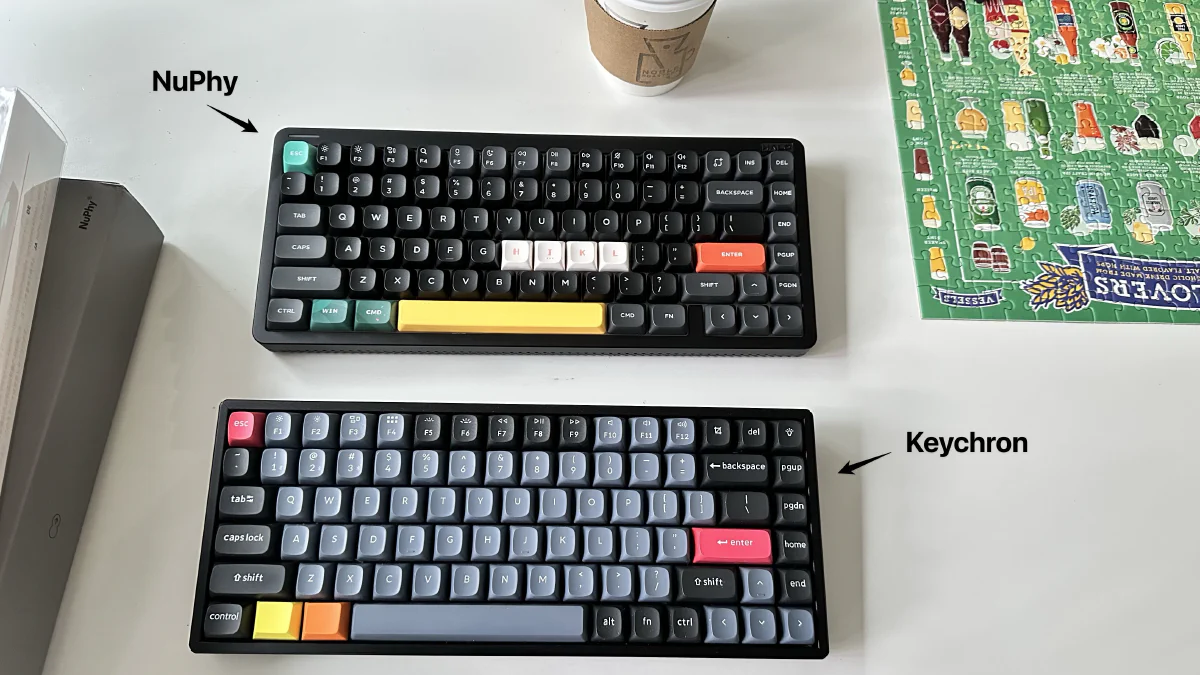
I’ve been using the Keychron K2 Pro with Gateron blue switches for a few years now and absolutely love it. Clicky, loud, high-operating-force switches are my style. I’ve tried both linear and tactile switches, but they don’t vibe with me. Clicky switches work best for my ear-finger coordination and make the keyboard feel like an extension of my brain.
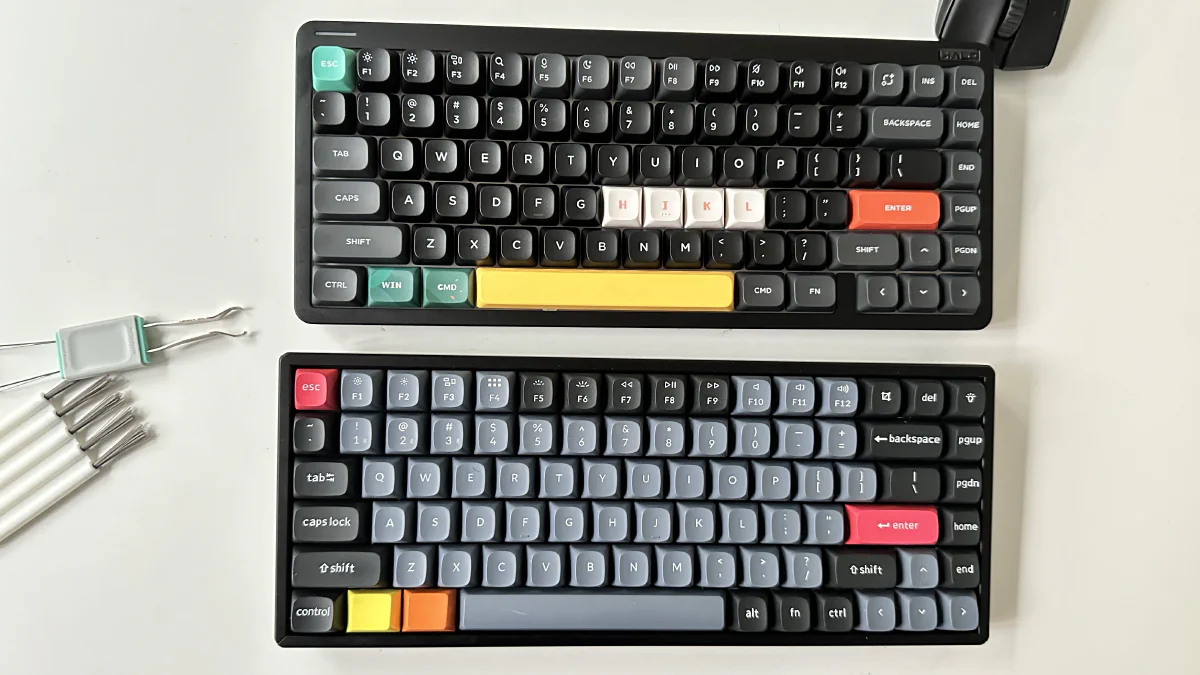
For the past few months, I’ve been using three laptops daily. One for work (macOS), one for personal stuff (Linux), and one for playing AOE2 (Windows). The Keychron K2 Pro doesn’t support 2.4G wireless, and connecting it via USB to different laptops and carrying it around the apartment didn’t feel great. So I picked up a NuPhy Halo75 V2 high-profile keyboard as a replacement. It’s everything the Keychron is, but with wireless support and better aesthetics.
However, the model with blue switches wasn’t available. So I ordered the version with NuPhy’s Lemon switches (tactile), thinking I’d give tactile another shot. And boy, was I disappointed once the keyboard arrived! The “tock” sound and the actuation force just didn’t feel right. I thought I’d give it a few days to see if it would grow on me, but within an hour I wanted to stop using it.
Then I remembered: the Gateron G Pro 2.0 switches in my Keychron K2 Pro are hot-swappable. And that’s how I spent my day today - pulling apart both keyboards and swapping the switches. A story in five pictures.
# Step 1: Keycap removal
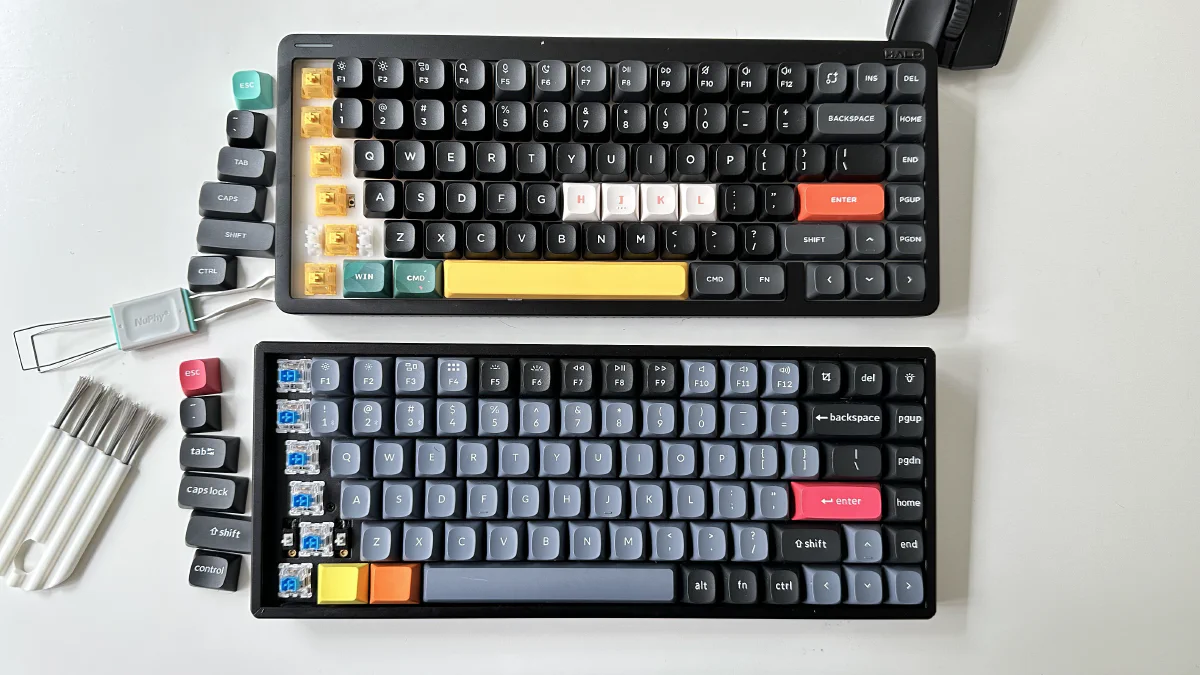
I started by pulling out the keycaps column by column and lining them up. This was fairly straightforward with the NuPhy keycap tool.
# Step 2: Switch removal
Next up removing the switches. Not an easy task. The switches in the Keychron don’t come out easily. The NuPhy switches, on the other hand, were super easy to remove.
# Step 3: Switch swapping
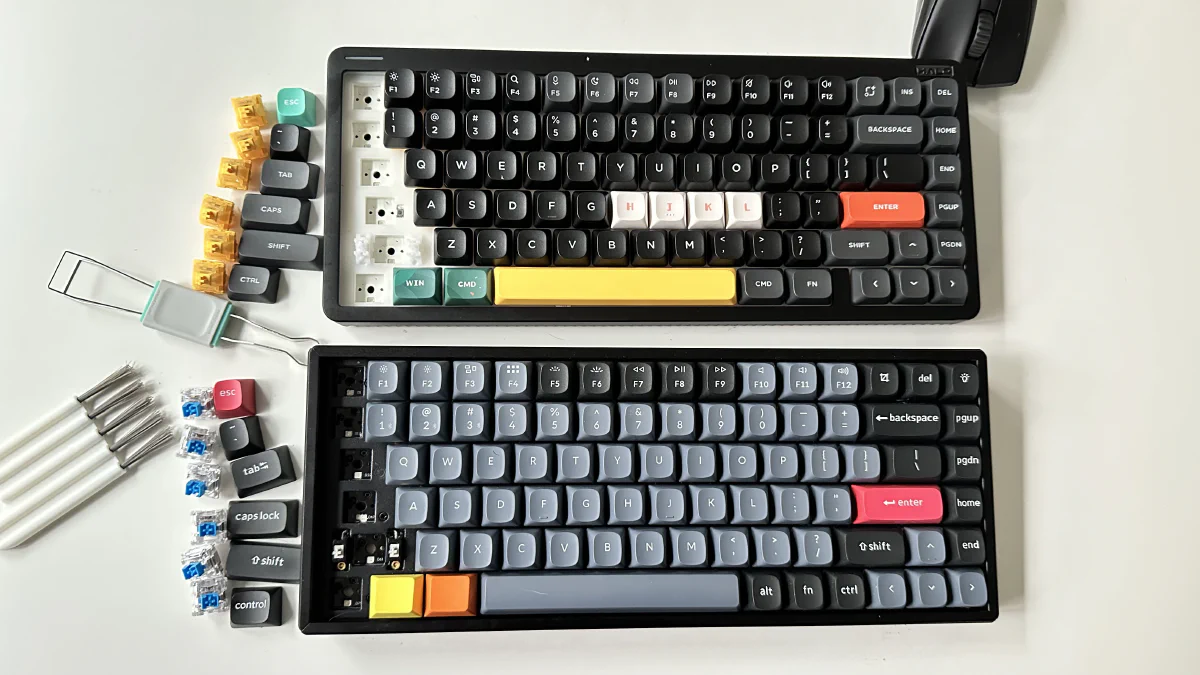
I then inserted the switches into the other keyboard - blue switches into the NuPhy and yellow (Lemon) switches into the Keychron.
# Step 4: Reassembling keycaps
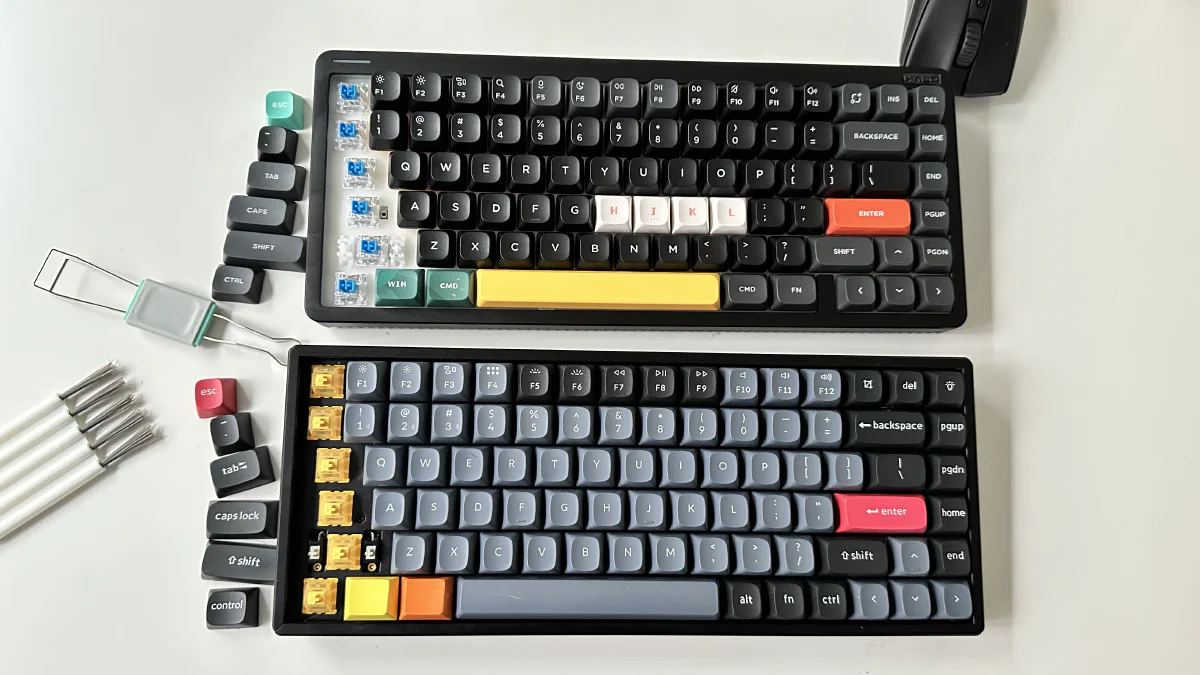
Now, all I had to do was pop the keycaps back on.
# Step 5: Repeat (and suffer)
Then I repeated that process for all the keys for the next three hours. It was intense. My fingers gave up toward the end. Pulling the switches out of the Keychron was not fun.
# Wrapping up
It took close to three hours to replace all the switches, and I’m glad I did it. The NuPhy Halo75 V2 now has Gateron G Pro 2.0 Blue switches, and I love it. On an unrelated note, I found out which alphabets are vertically invertable. For example: S, X, H can be vertically inverted and they’d look the same. Don’t ask me how I found that out. Off to click-clack and ship Prometheus in my K8s cluster now.